Aperture · desktop app
Aperture is now a desktop app
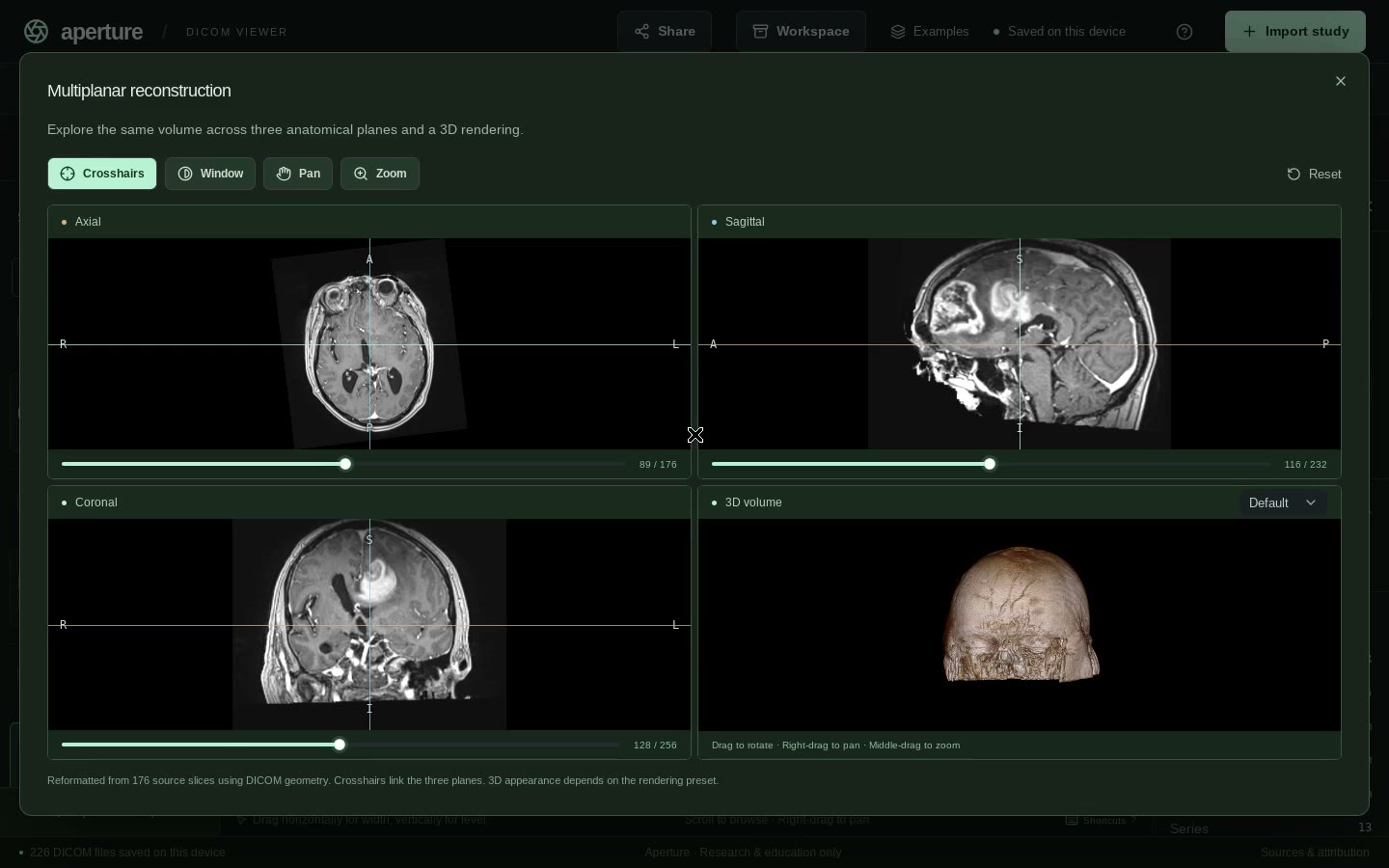
Open CT, MR and radiography studies on your own computer: slices, MPR and 3D, 4D time series, measurements and marks. Studies are read and stored on your device. Nothing is uploaded unless you use an AI feature, with your own API key or with Aperture Credits.
Aperture is for research use only. It is not a medical device and must not be used for diagnosis, treatment or any clinical decision.
Installing
These first builds are not yet signed by Apple or Microsoft, so your computer asks you to confirm the first time you open Aperture.
macOS
- Open the .dmg and drag Aperture to Applications.
- Open Aperture. If macOS says it can't be opened or is damaged, open System Settings → Privacy & Security and click Open Anyway.
- If no button appears there, run this once in Terminal:
xattr -dr com.apple.quarantine /Applications/Aperture.app
Windows
- Run the installer.
- If SmartScreen says it protected your PC, click More info → Run anyway.
Linux
- Debian or Ubuntu:
sudo apt install ./Aperture.deb - Other distributions:
chmod +x Aperture.AppImage, then run it.
Where did the web version go?
The browser version of Aperture has been retired. Studies you opened there are not carried over: import the original DICOM files, folders or ZIP archives into the desktop app.